
Xiaomi Gallery
Screenshots
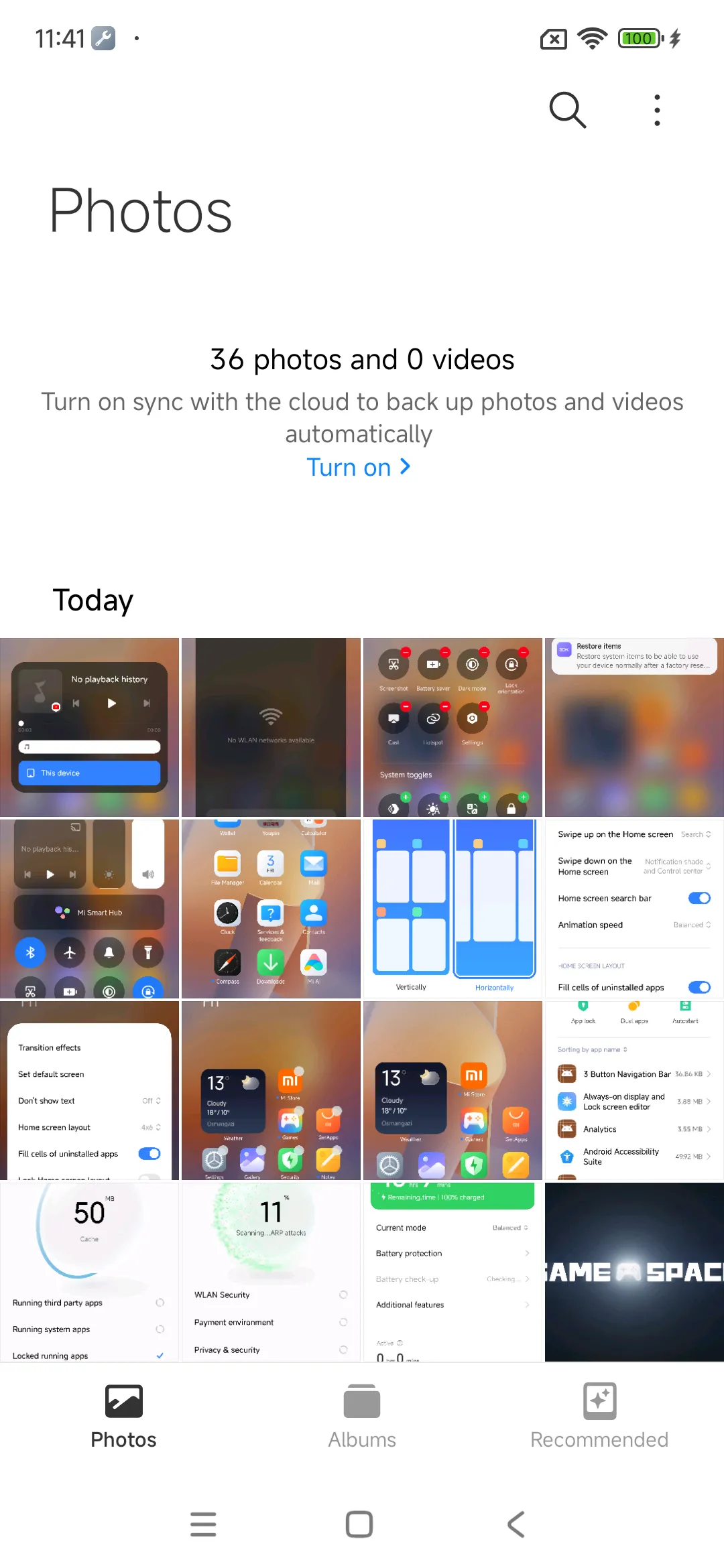
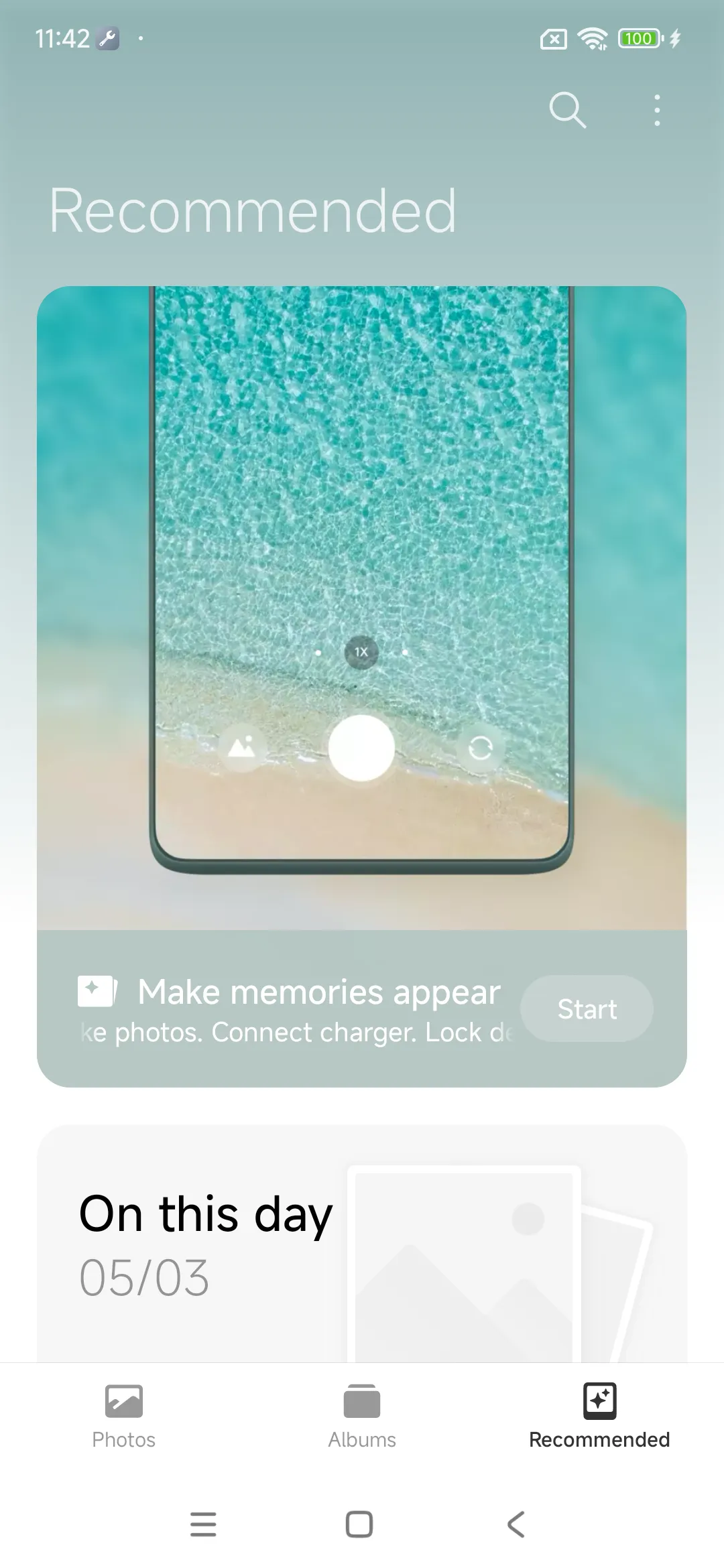
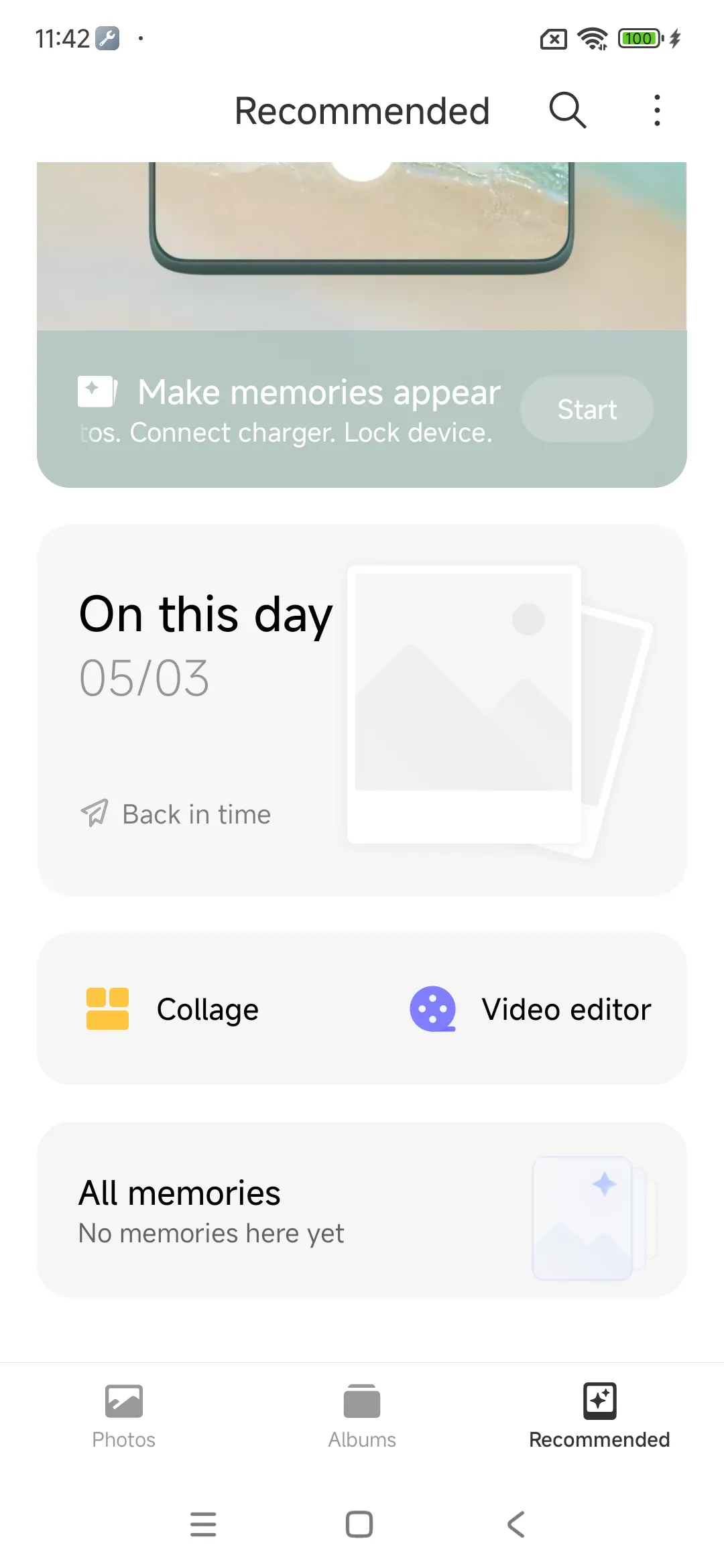
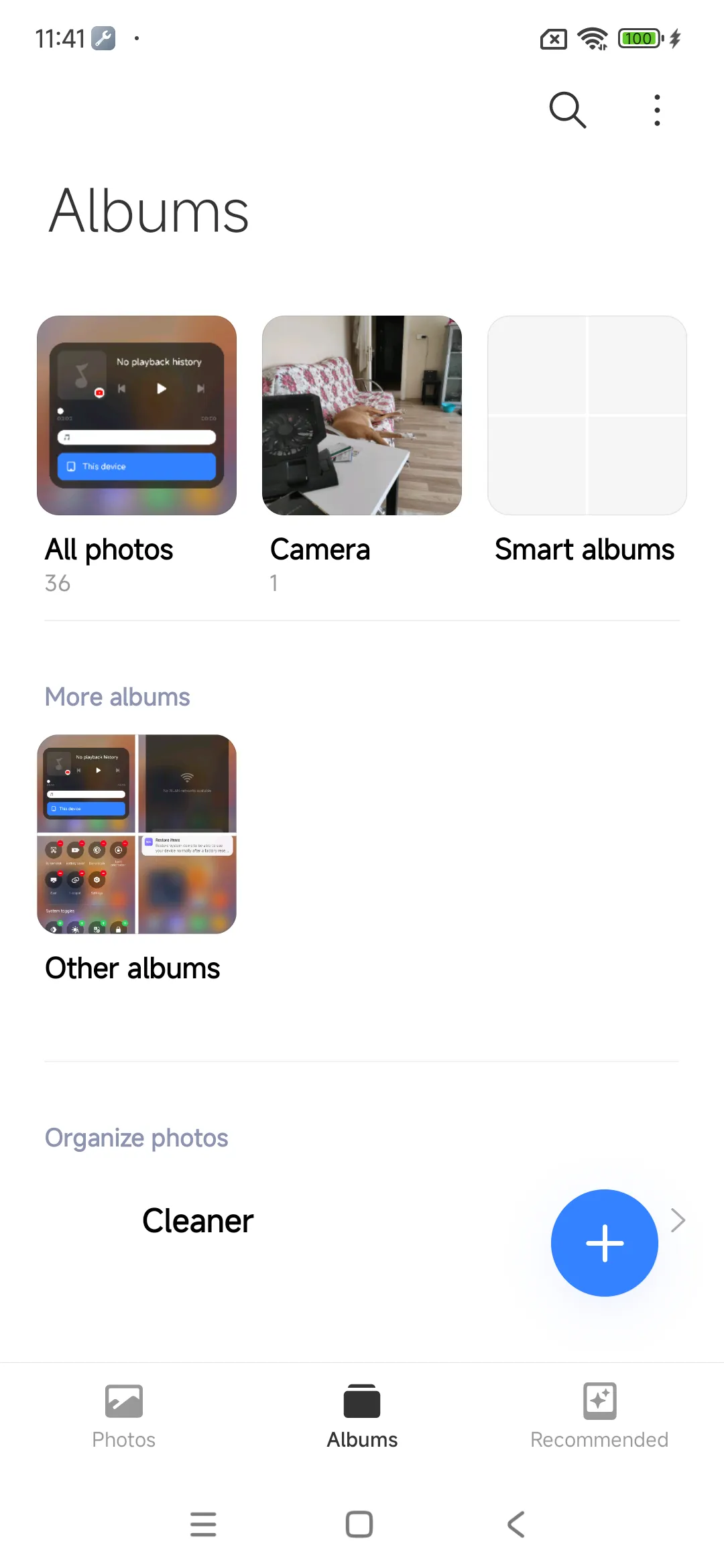
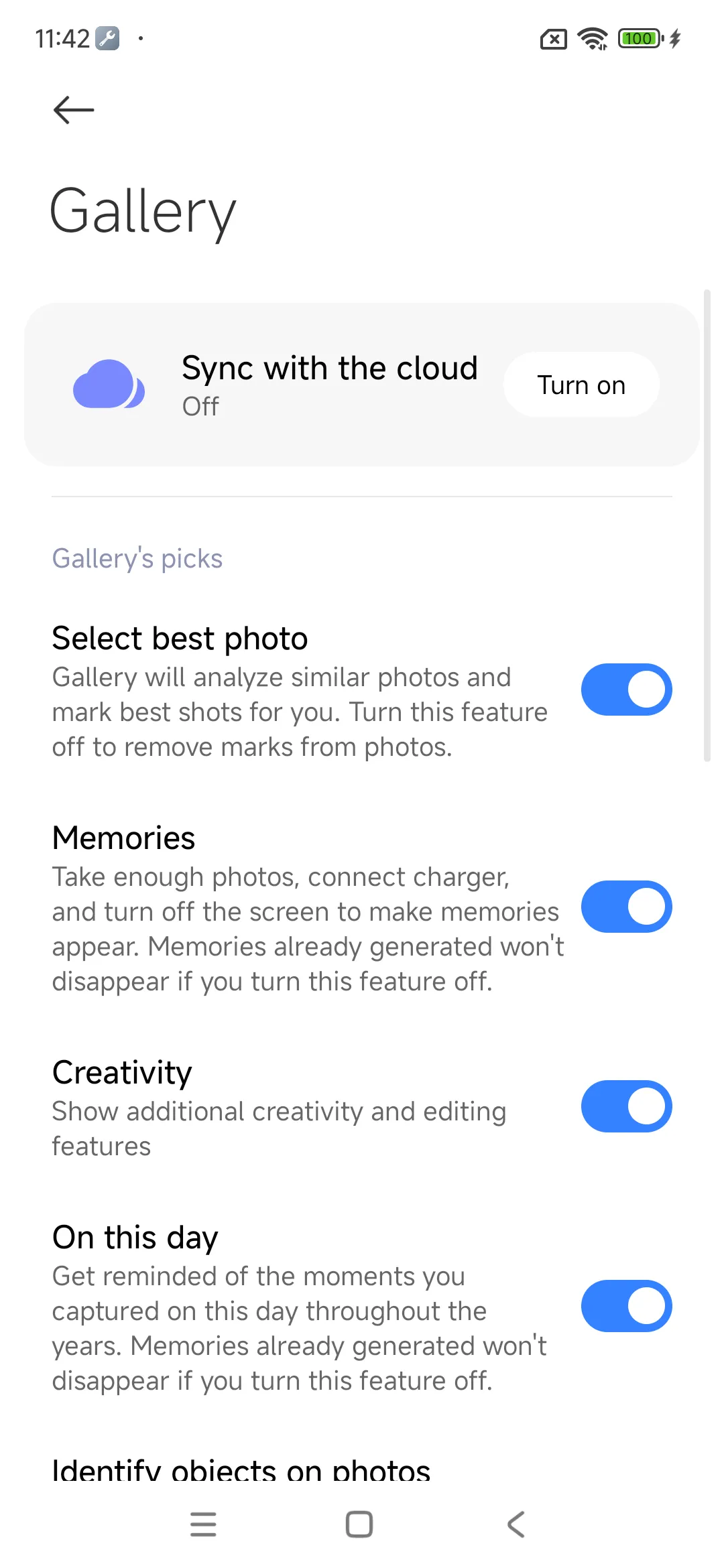
Xiaomi Gallery is the official media management tool for Xiaomi devices. It helps you view, edit, and organize your photos and videos seamlessly. Most users know it as a built-in feature of MIUI and HyperOS. It provides a smooth user experience.
You can manage thousands of media files without any lag. The interface is clean and modern. It categorizes your media into organized tabs. Because of this, finding an old photo takes only a few seconds. The tool also syncs with cloud storage. This feature protects your memories from accidental deletion.
What is the Xiaomi Gallery?
Xiaomi Gallery is a pre-installed media manager for Xiaomi smartphone users. It works as the default platform to view your captured moments. The system automatically categorizes your images by date, time, and location. Therefore, you do not need to sort files manually.
The software includes a rich set of built-in editing features. You can crop photos, apply creative filters, and adjust color parameters. Furthermore, it supports high-resolution video playback. It handles various file formats like JPEG, PNG, and MP4.
The tool focuses heavily on speed and efficiency. It loads large albums instantly. It also uses minimal system resources. Consequently, your device maintains high performance while browsing heavy media files.
Key Features of Xiaomi Gallery
This media tool offers many advanced utilities for daily use. It goes beyond simple image viewing. For example, it includes an AI-powered search function. You can search for specific objects, faces, or locations.
The system also includes a trash bin feature. It keeps deleted photos for thirty days. Thus, you can recover lost files easily.
Here is a list of the top features available:
- AI Face Recognition: Group photos by specific people automatically.
- Built-in Video Editor: Trim clips, add background music, and apply filters.
- Collage Maker: Combine multiple pictures into stylish layouts.
- Secure Private Album: Hide sensitive media with password protection.
- Automatic Sky Replacement: Change dull skies into sunny or starry backdrops.
These options make media customization very simple. You do not need to download third-party software for basic edits.
How to Optimize Xiaomi Gallery for Better Performance
You can improve the speed of your media browser easily. First, you should clear the cache files regularly. This action removes temporary data that slows down the system.
Second, you can disable cloud sync for unimportant folders. Constant syncing consumes battery and internet data. Therefore, only sync your main camera album.
Follow these steps to optimize the performance:
- Open your device settings menu.
- Navigate to the managing apps section.
- Select the Xiaomi Gallery from the list.
- Tap on storage and clear the cache data.
Then, turn off the thumbnail generation for hidden folders. This reduces background storage consumption. Your media browsing experience will become much faster after these tweaks.
Managing Your Media with Xiaomi Gallery
Organizing a crowded media library can feel overwhelming. However, Xiaomi Gallery makes the entire process effortless. You can create custom albums for vacations, family events, or work.
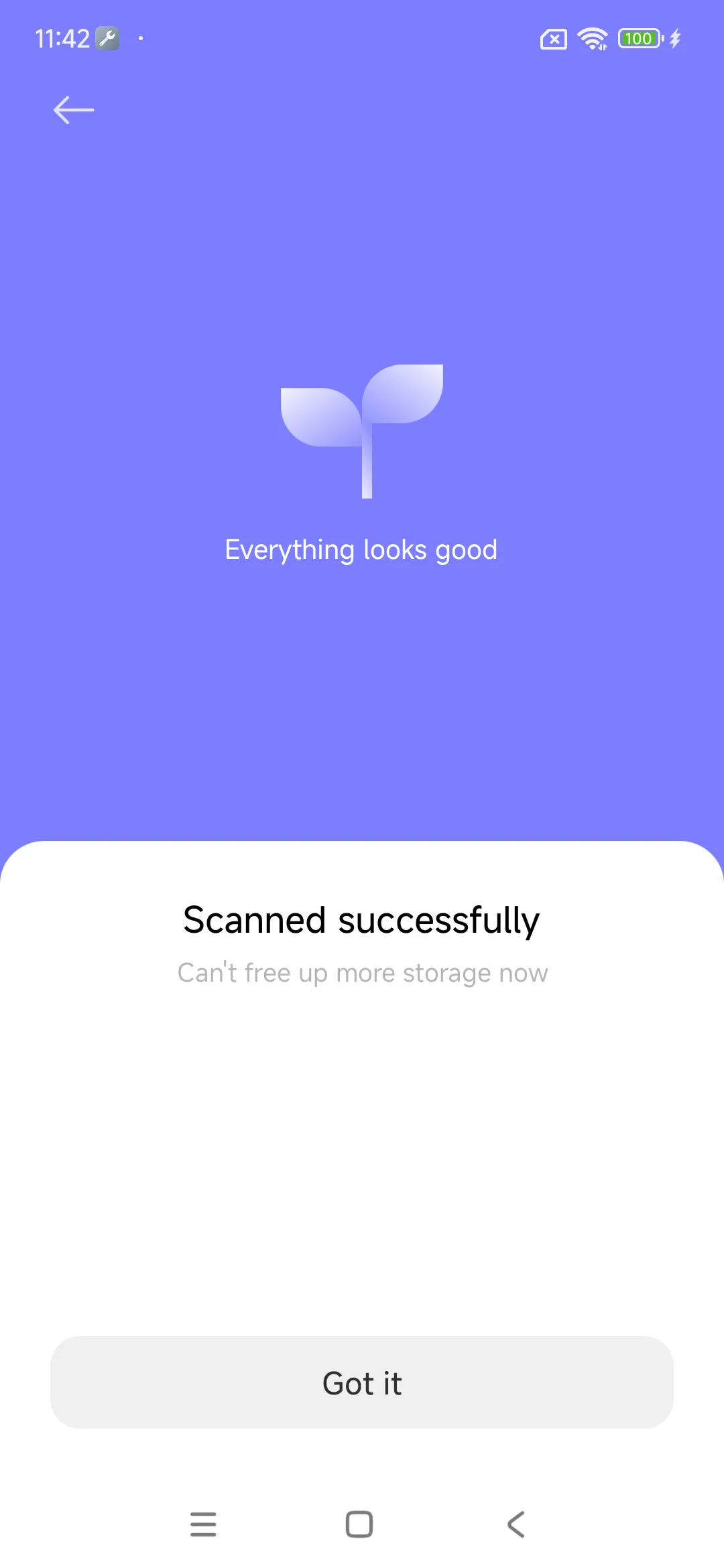
The system also offers a smart cleanup utility. It scans your storage for duplicate images. Then, it identifies blurry photos and large video files. You can delete these useless items with one single tap.
This cleanup process frees up valuable internal storage space. Additionally, you can sort your albums by name or creation date. This flexibility allows you to customize the view according to your preference.
Security Features in Xiaomi Gallery
Privacy is a major priority for smartphone users today. Xiaomi Gallery provides strong security options to protect your private media. You can lock specific folders using a fingerprint or a PIN code.
Hidden items do not appear in the main feed. Consequently, other people cannot see them accidentally. The system encrypts these files for maximum safety.
Furthermore, the cloud backup uses secure encryption protocols. Your data remains safe on remote servers. You can access these files from any authorized device. This security prevents data theft and unauthorized access.
Conclusion
Xiaomi Gallery is an essential tool for managing your visual content. It combines simplicity with powerful editing capabilities. The layout remains clean and easy to navigate for all users. It offers fast loading speeds and smart organization features.
You can edit videos, create collages, and secure private photos effortlessly. The AI utilities add great value to the overall experience. It eliminates the need for external media apps. Ultimately, it ensures that your memories stay organized and safe.